
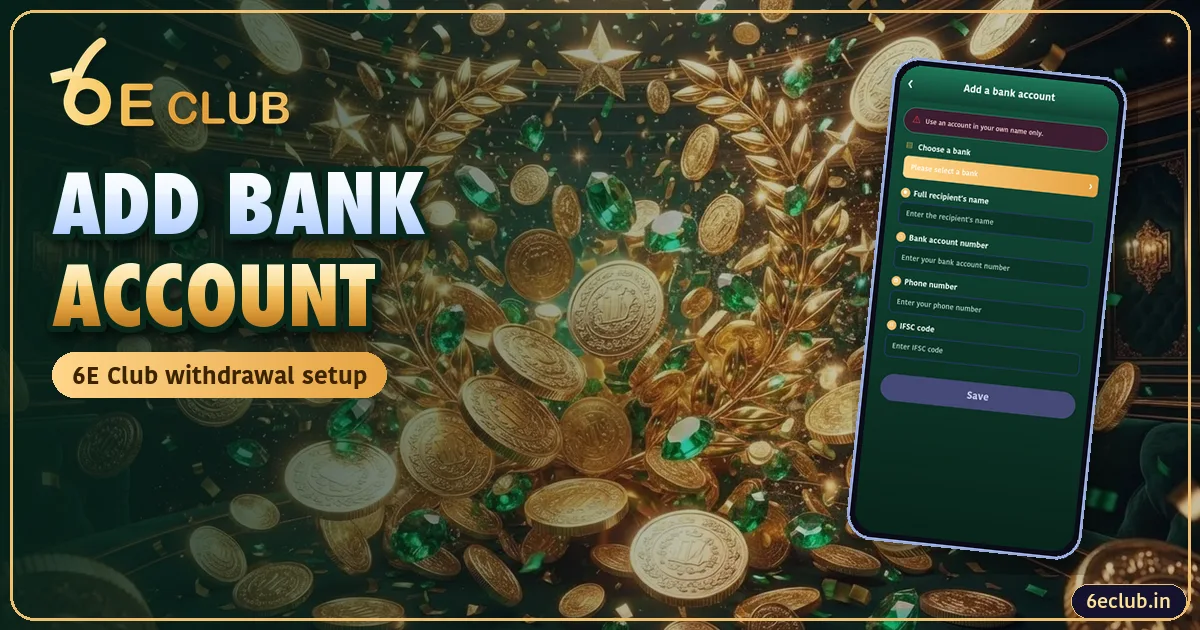
You cannot withdraw from 6E Club until a payout account is saved.
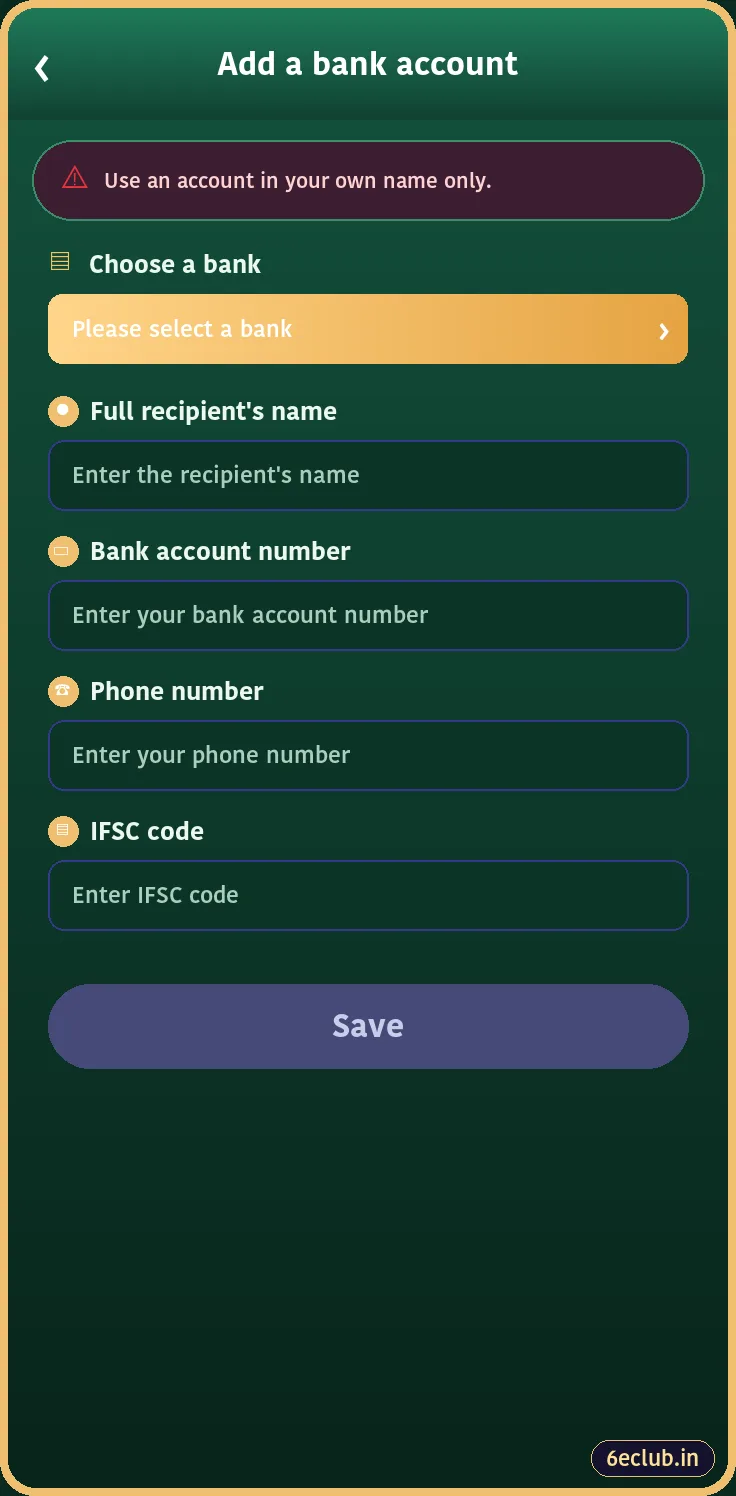
Steps
- Wallet → Withdraw.
- Add a bank account number.
- Choose bank.
- Enter name exactly as the bank shows it.
- Account number, phone, IFSC.
- Save.
Common Errors
| Error | Fix |
|---|---|
| Name mismatch | Use the exact bank name |
| Invalid IFSC | Check O vs 0 |
| Already bound | One account per user |
| Cannot edit | Ask customer care |
Adding a UPI ID
On the Withdraw screen choose UPI and enter your UPI ID. The name linked to it should match your bank name. Then follow the 6E Club withdrawal steps.
Why Names Must Match
6E Club pays only to accounts in the registered player’s name. A mismatch is the most common reason for a rejected withdrawal.
Bank Account Safety
Withdrawals on 6E Club never need your UPI PIN, card number or net-banking password. If anyone asks for these while “helping” with your bank setup, stop. Add your account yourself in the 6eclub app and keep the withdrawal password private.
Related 6E Club Guides
- 6E Club – the complete 6eclub guide home page
- 6E Club Colour Prediction
- 6E Club Results
- 6E Club Aviator
- 6E Club Bonus
- 6E Club Invite Code